
Interactive projection app with game elements: cameras turn walls, floors and objects into responsive surfaces.
- Audience
- All ages · one player or small groups · schools, museums, events and labs
- Play time
- Wall-hit rounds last 60 seconds; the other modes are open-ended
- Platform
- Web browser (Chrome or Edge) on a computer with a projector and one or more webcams; keyboard, mouse and touch also work for playing without a camera
- Year
- 2026
- Status
- Prototype
About the game
What it does. SurfaceLab is an interactive projection application with game elements. A projector lights a wall, floor, table or a group of objects, and one or more ordinary webcams watch that surface. The system recognises what happens there: a ball hitting the wall, people walking past or standing in front, footsteps on the floor, music in the room. The projected image responds immediately with games, living wallpapers, floor effects or concert visuals. It runs in a web browser, so no special hardware is needed to start.
How it works. Each camera has its own detection and is calibrated to the projection automatically, because the projector flashes points that every camera locates in one pass. Input from several cameras, from phones used as cameras and from external trackers is merged into one shared space and duplicates are removed. A hit can also be confirmed by the sound of the impact. The games and scenes receive only simple events (hits, people, motion and audio), so new content plugs in without changing the sensing. The same events go out over OSC and MIDI to stage lighting and music software.
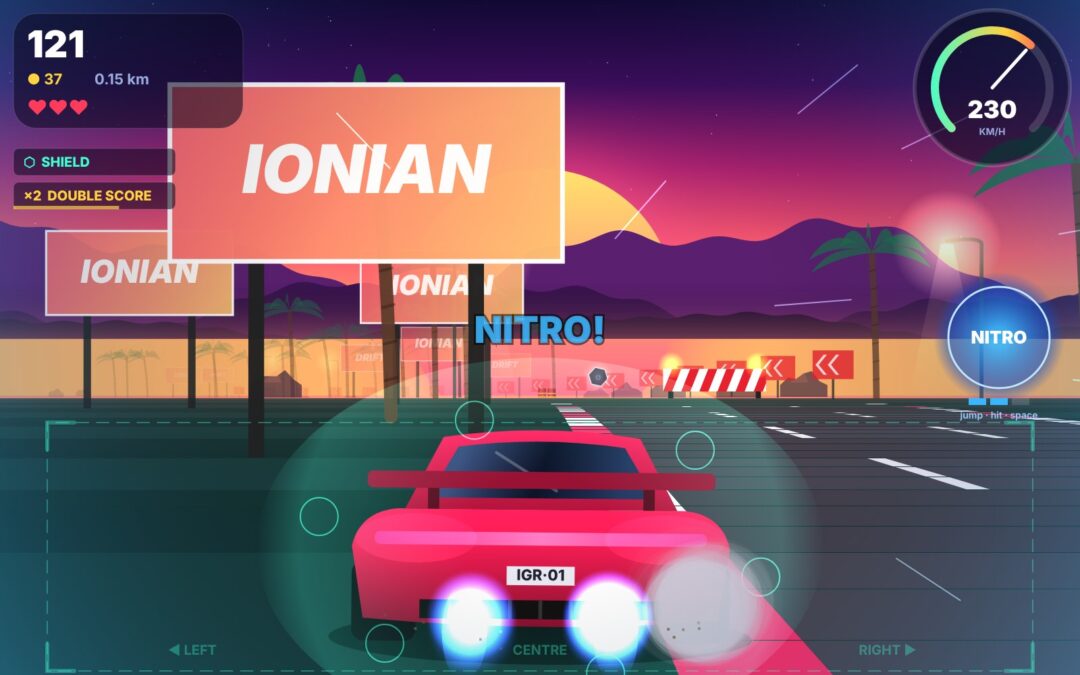
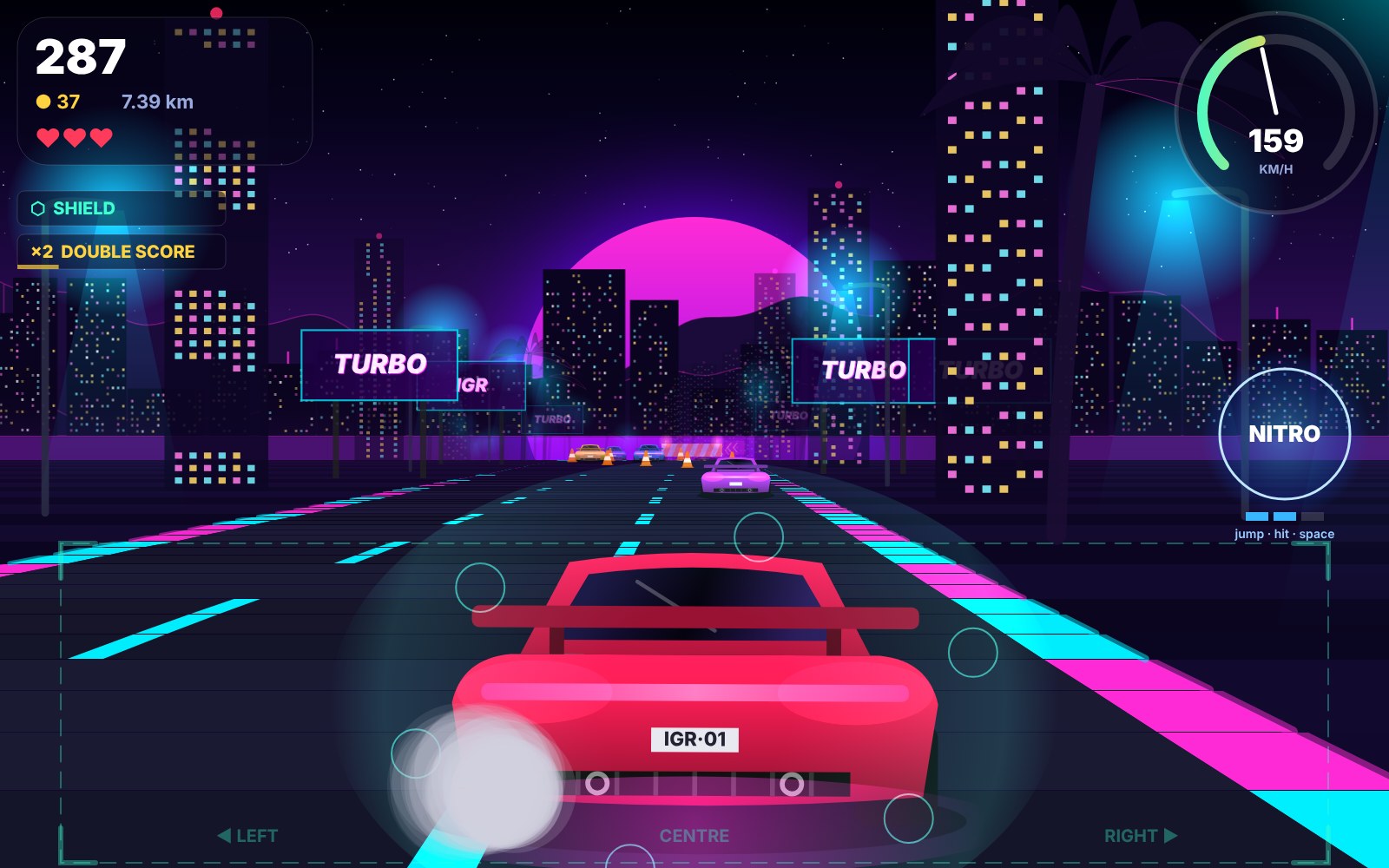
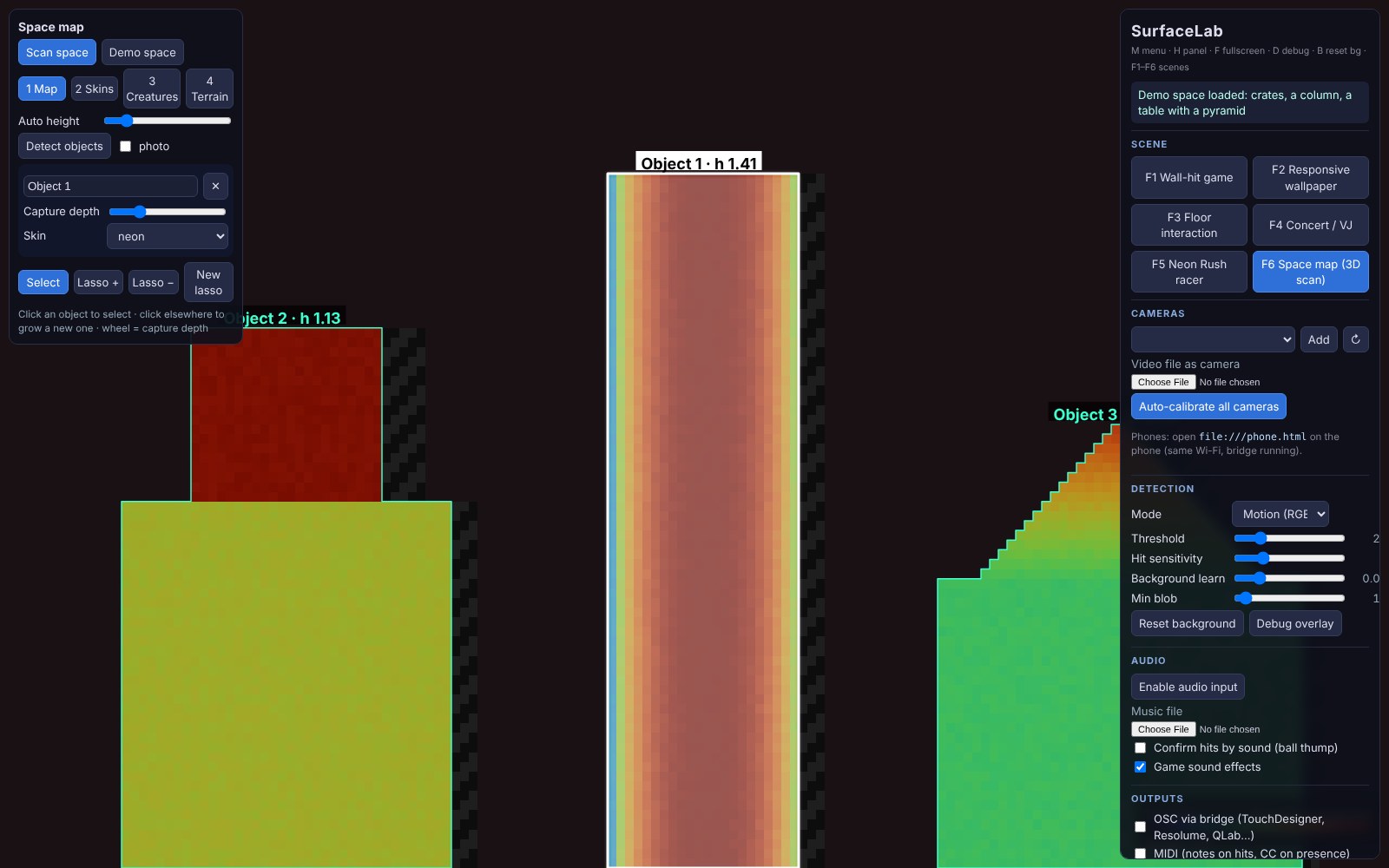
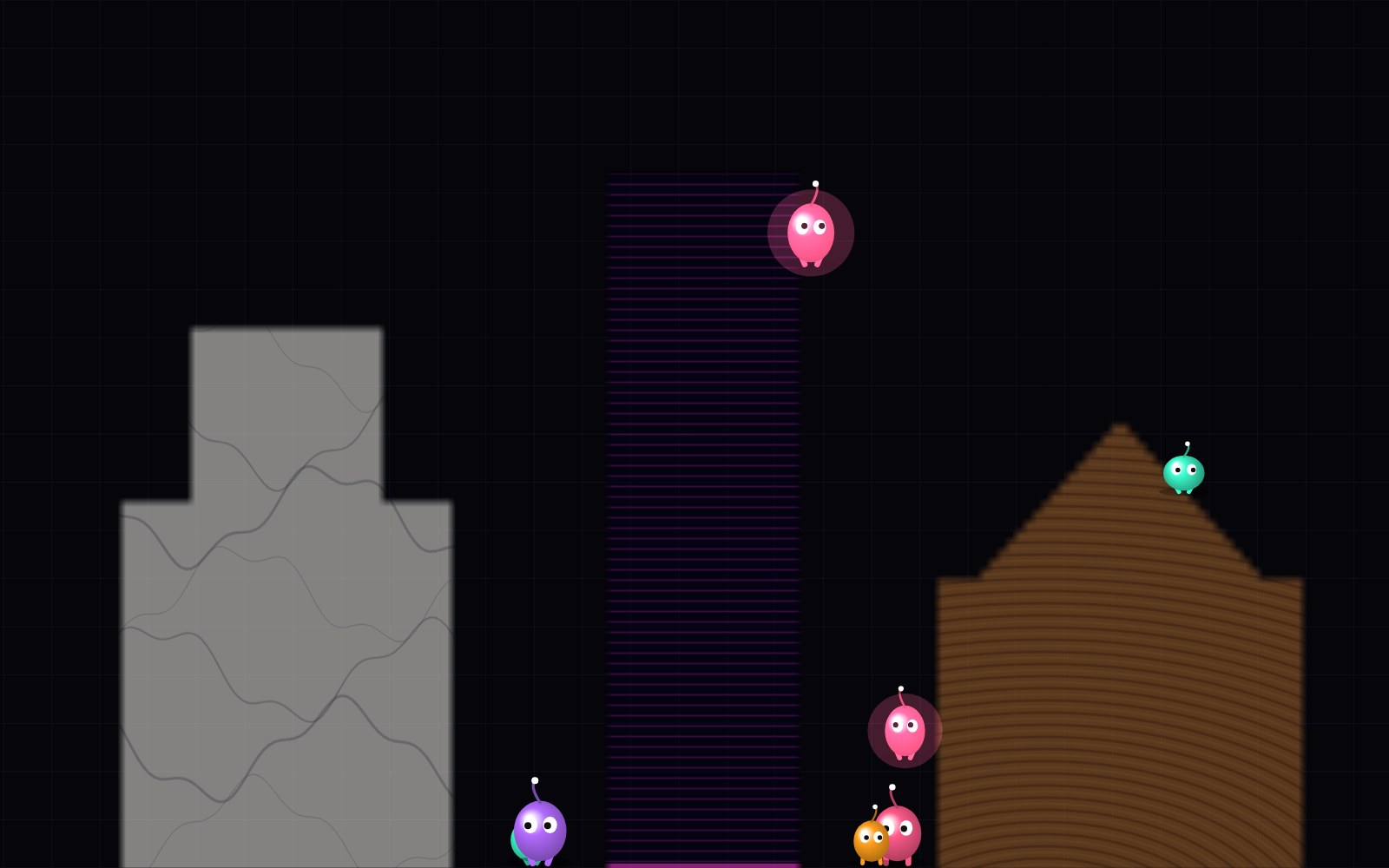
Innovation. With only a projector and a webcam, SurfaceLab scans the room it projects into. It projects structured-light patterns, measures how far each part of the scene stands out from the wall or floor, and isolates real objects as separate projection surfaces. In a depth map editor the operator picks an object, adds depth to capture more of it, and uses a lasso to include or exclude parts. The projected content then follows the real geometry. Each object gets its own animated material and reacts to hits on its own, characters walk and jump from object to object, and the room’s heights become a playable landscape. The body also works as a controller: the Neon Rush racer is steered by stepping sideways.
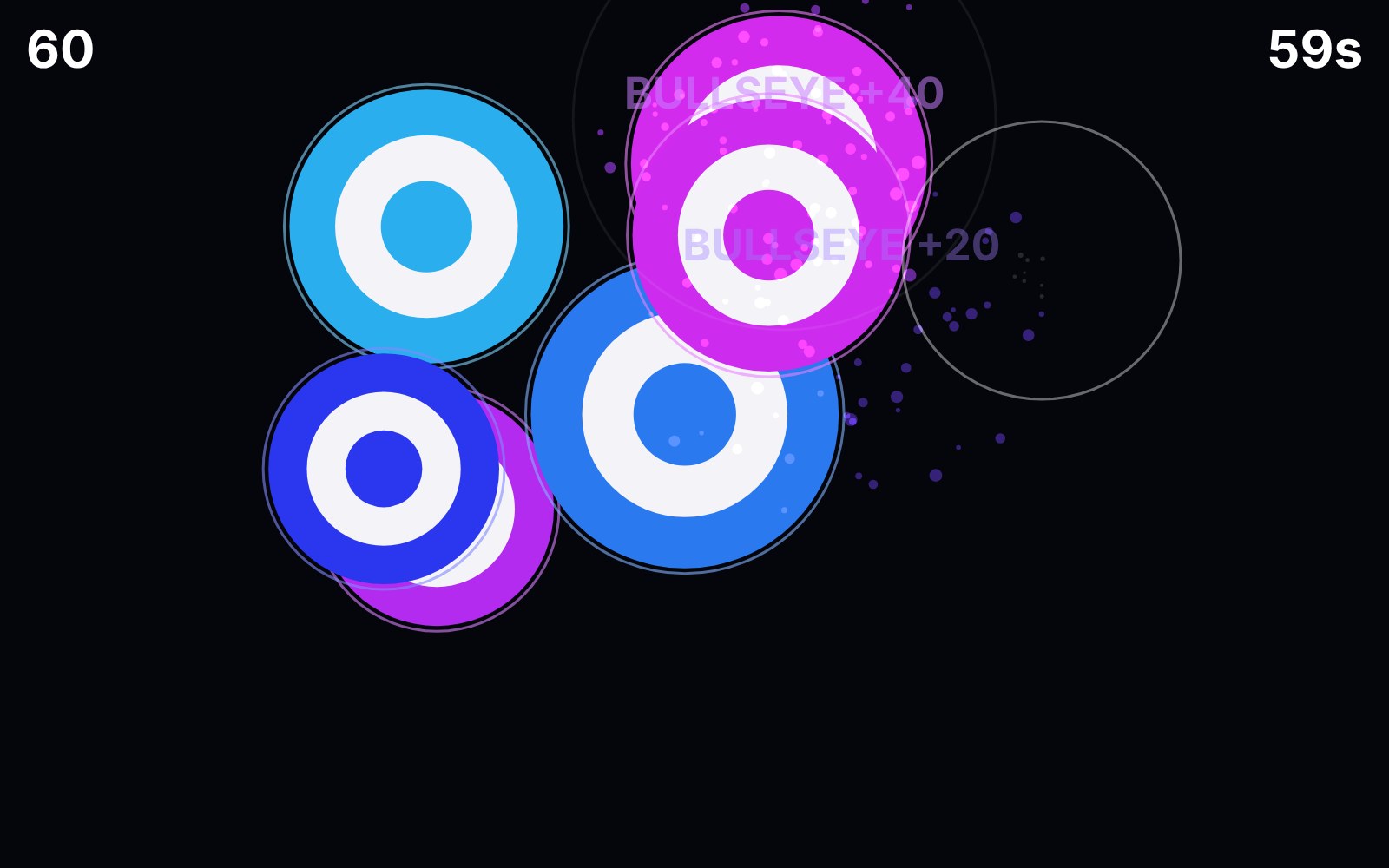
- Wall-hit game: throw balls at moving targets, with combos and bonus time
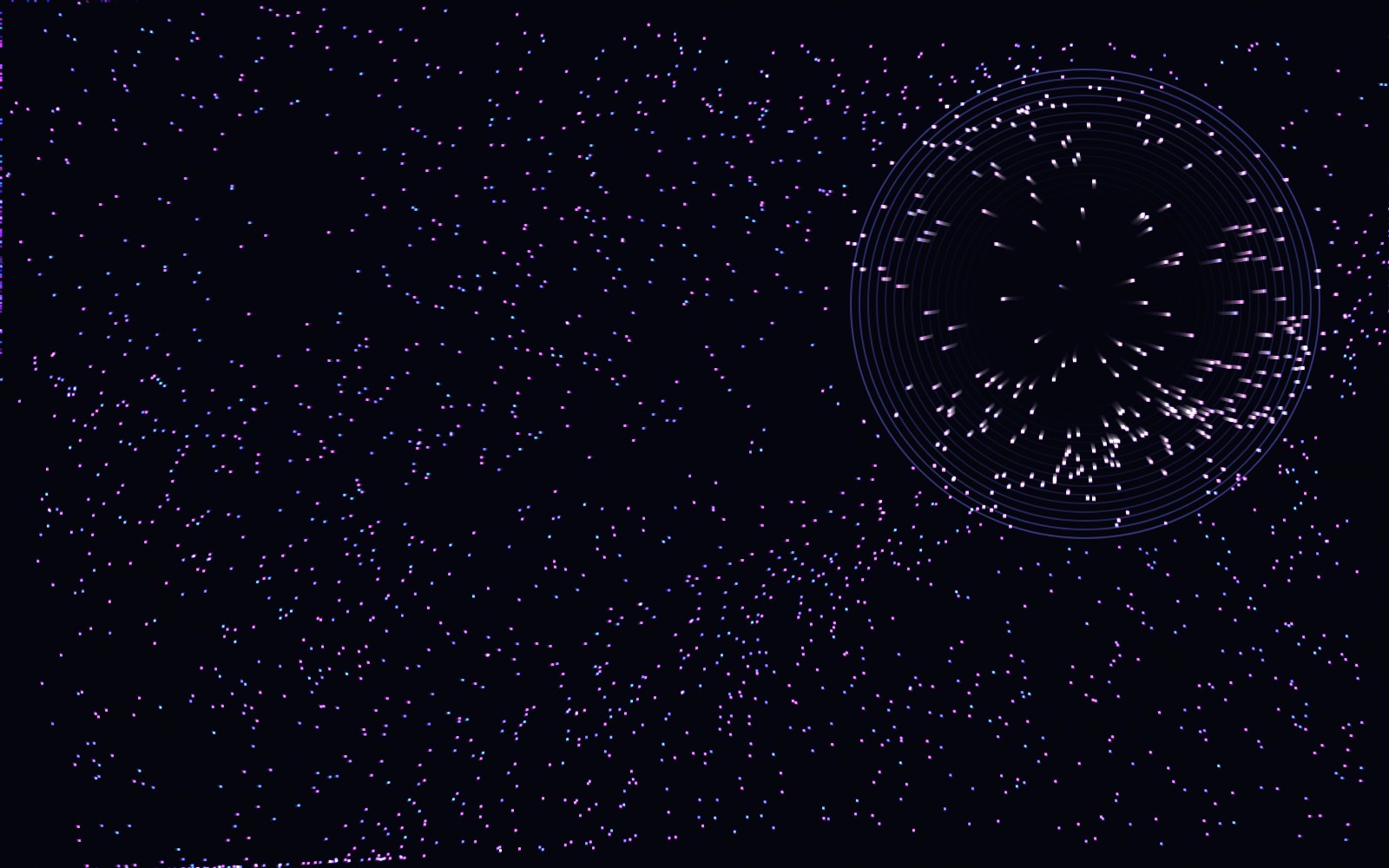
- Responsive wallpaper and floor interaction that react to passers-by
- Concert / VJ mode: audio-reactive visuals with follow-spots on performers
- Neon Rush: a racing game steered by moving sideways inside a projected zone
- Space map: 3D scan, object isolation, skins, hopping characters and terrain play
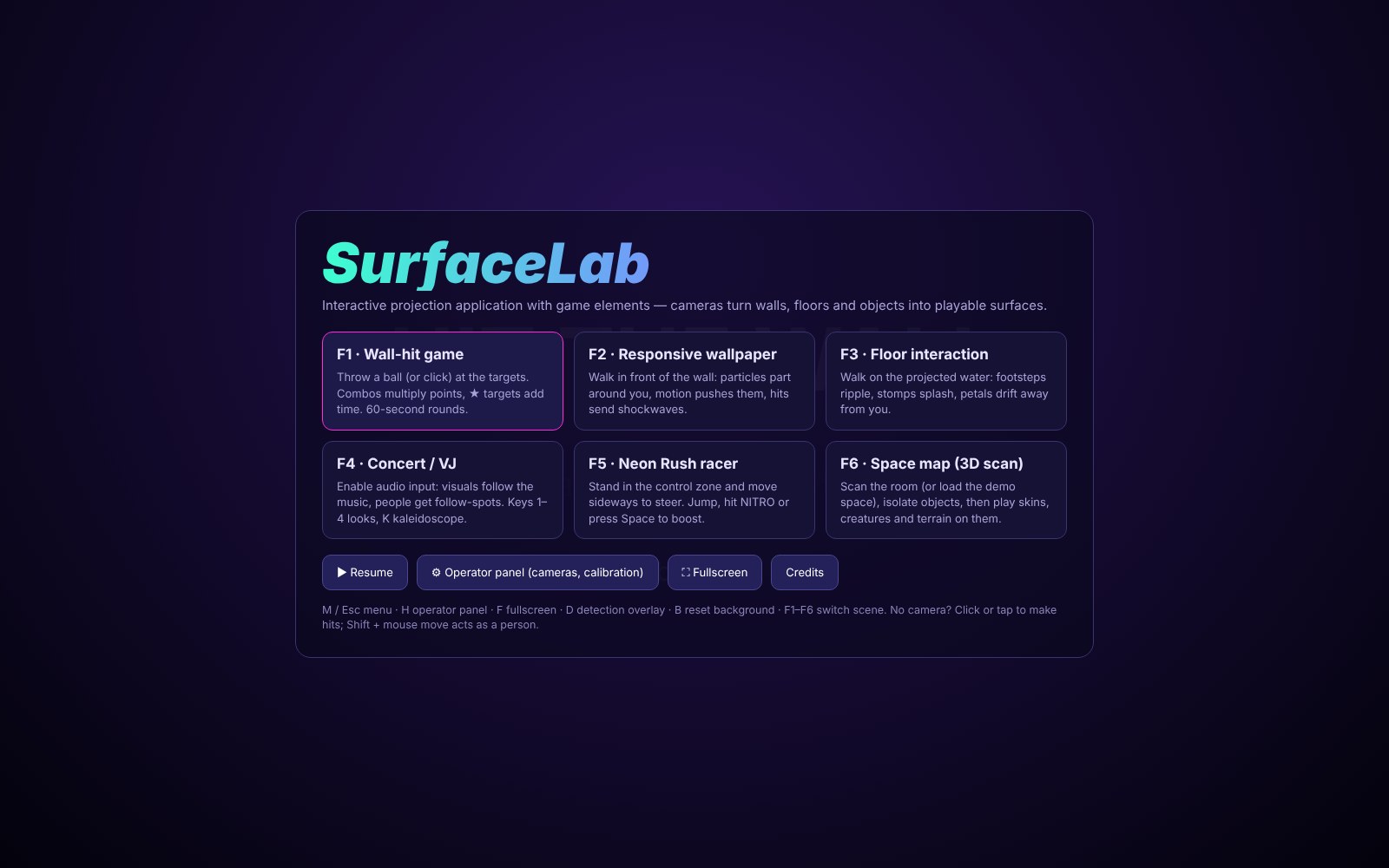
- Main menu, operator panel and credits page
In the online demo. Click or tap the projection to make hits, hold Shift and move the mouse to act as a person, steer Neon Rush with the arrow keys and Space, and load a simulated room with Demo space in Space map. Press H for the operator panel to add a webcam, M for the menu and F for full screen. Phone cameras, external trackers and OSC output need the local bridge server of the full project and are not part of the online demo.
How it is used
- Wall games: players throw soft balls at projected targets (Wall-hit game)
- Ambient installations: responsive wallpapers and interactive floors that react to people walking by
- Concerts and live shows: audio-reactive VJ visuals that can also drive lights and media servers over OSC/MIDI
- Body-controlled play: the Neon Rush racer is steered by moving sideways inside a projected control zone
- Schools, museums and events: movement games and responsive spaces for groups, with no equipment beyond a projector and a webcam
- Research: a test bench for studying camera-based interaction, projection mapping and body-controlled play
Play the demo
Each session lasts 1 hour. Reload the game to play again.Opens in a new window. Best on a desktop or laptop, with sound on.
Screenshots
Use this game in your class, museum or research
Schools, museums and researchers can request the full version or propose a collaboration with IGR.