
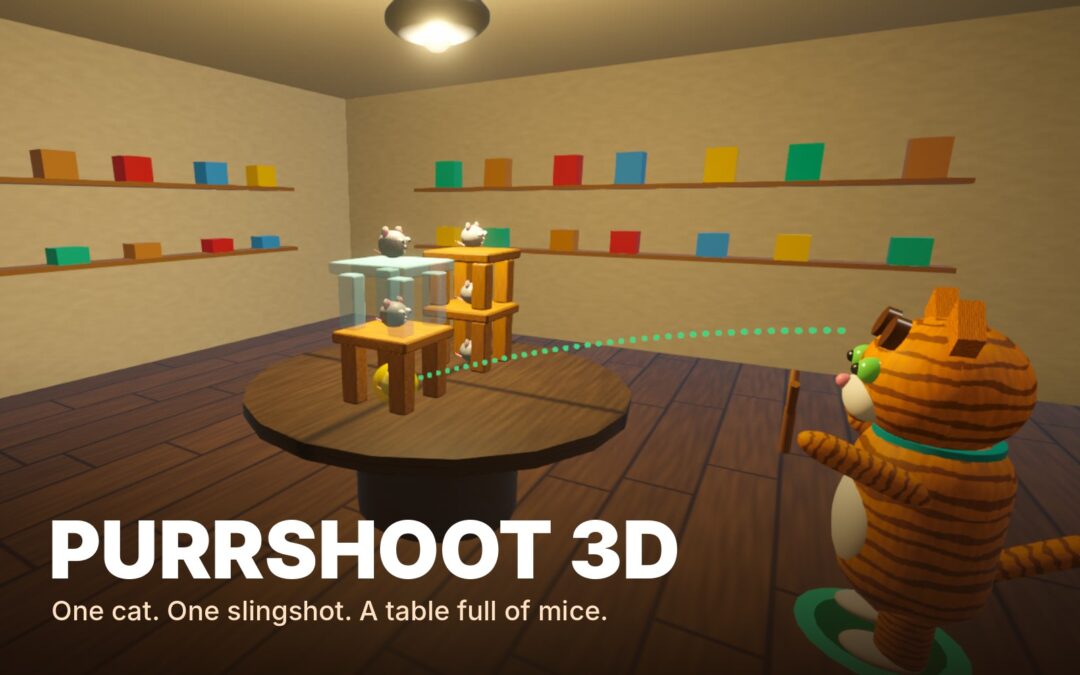
One cat, one slingshot, a table full of mice: a 3D slingshot physics game with 100 levels.
- Platform
- Web browser, desktop (mouse and keyboard), playable now · Android and Meta Quest 3 (VR and mixed reality) as test builds · English
- Year
- 2026
- Status
- Beta
About the game
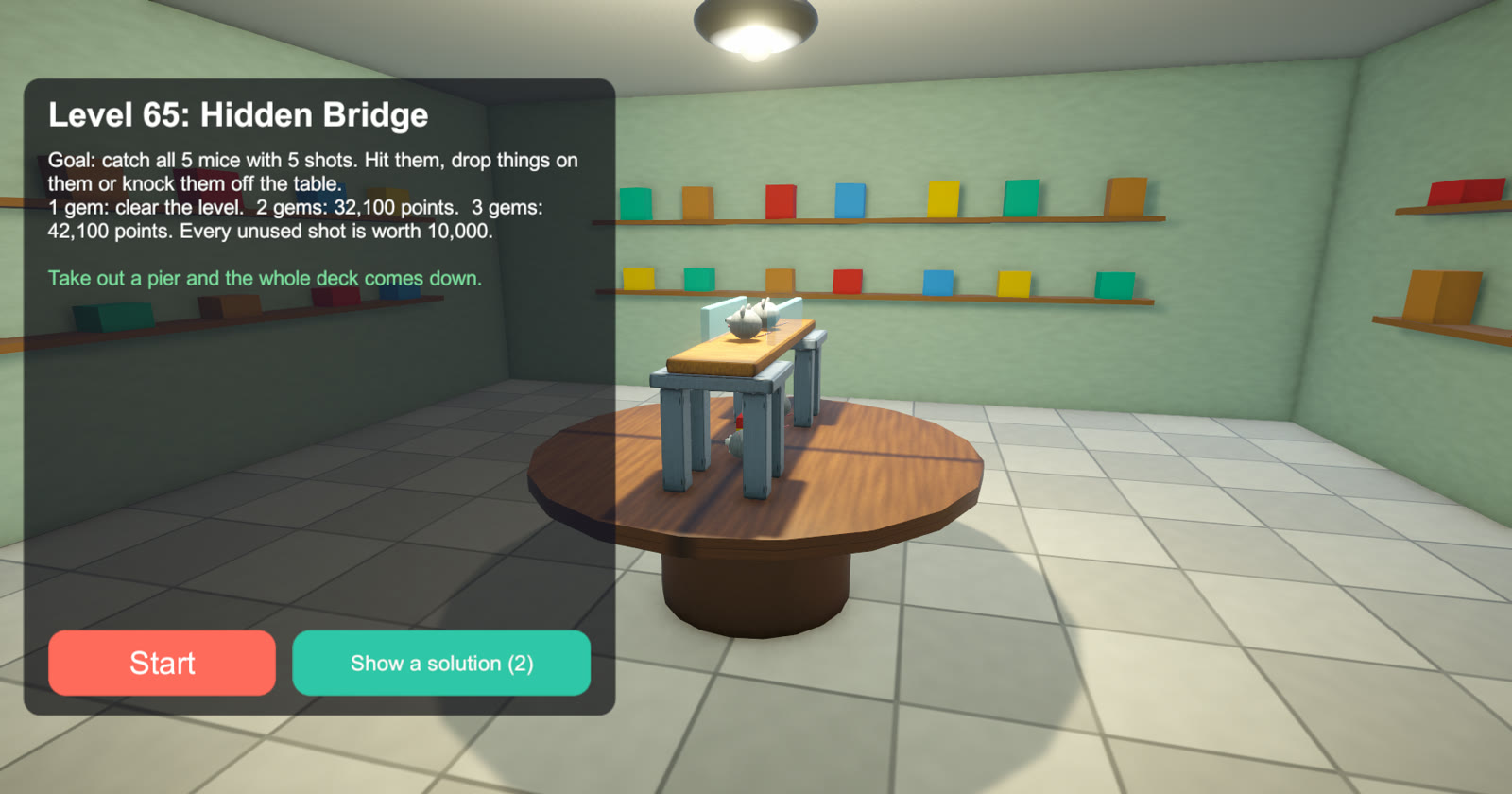
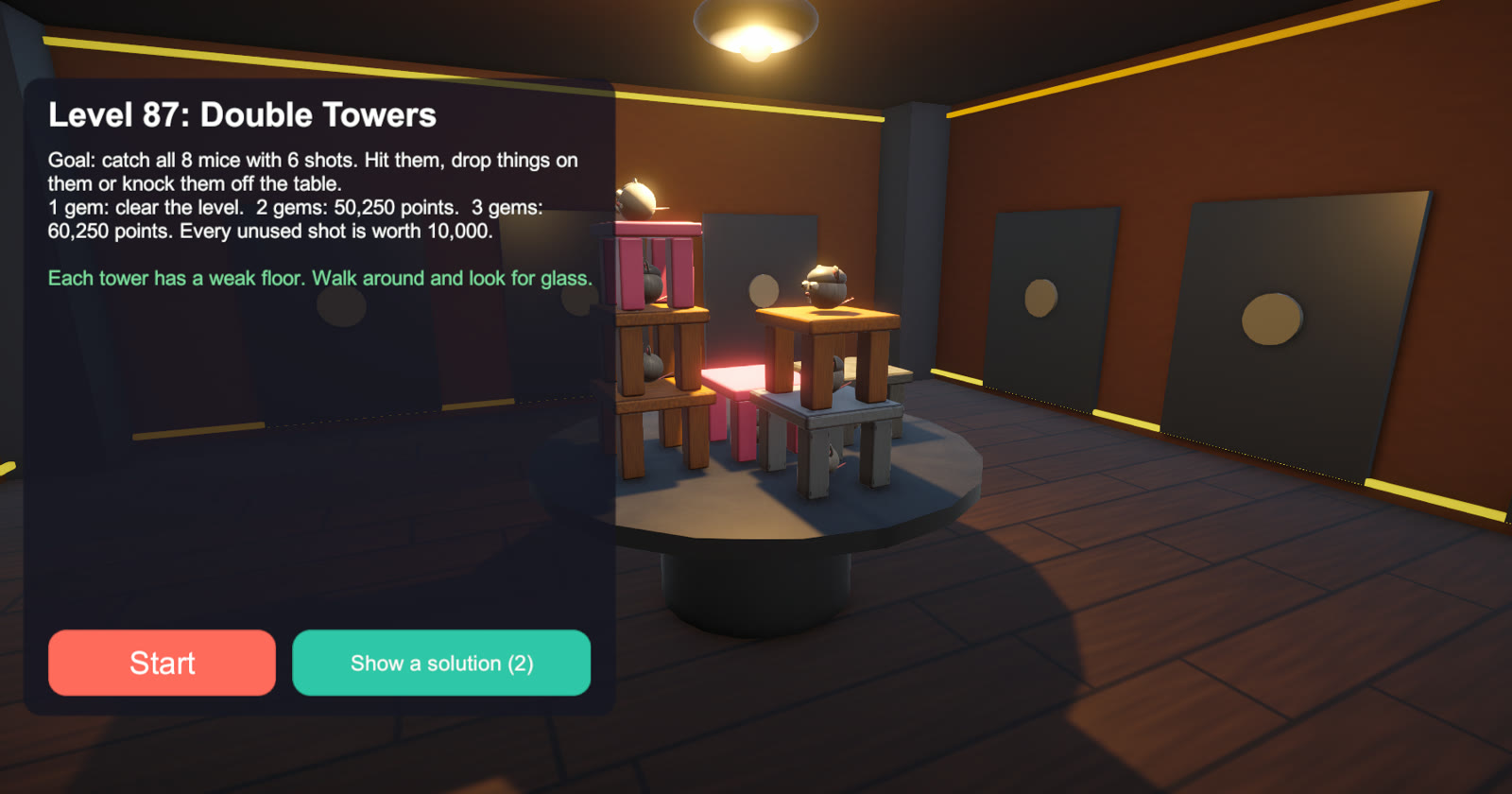
Purrshoot 3D is a slingshot physics game in three dimensions. You play a cat. Mice have moved into towers of wood, glass, stone, ice and cheese built on a table in the middle of the room, and your job is to shoot them out of there.
Because the structure stands in the middle of the room, you choose where to shoot from: walk around the table, look for glass behind the stone, find the weak side and let go. A mouse is caught when it is hit hard, crushed, blown up or knocked off the table.
- 100 levels in five rooms: Workshop, Gallery, Vault, Kitchen and Attic. An automatic player has won every level, so each one has a solution.
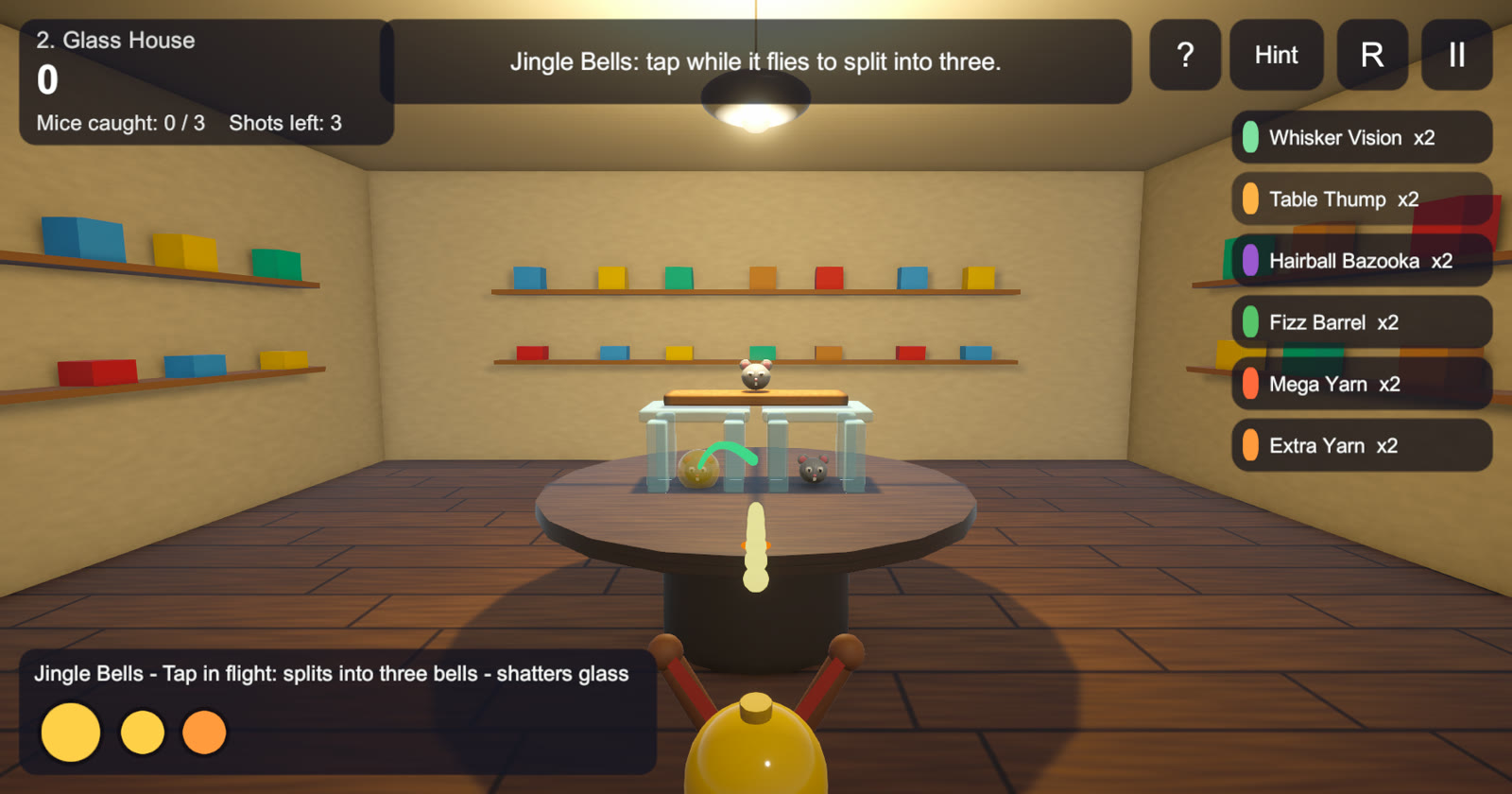
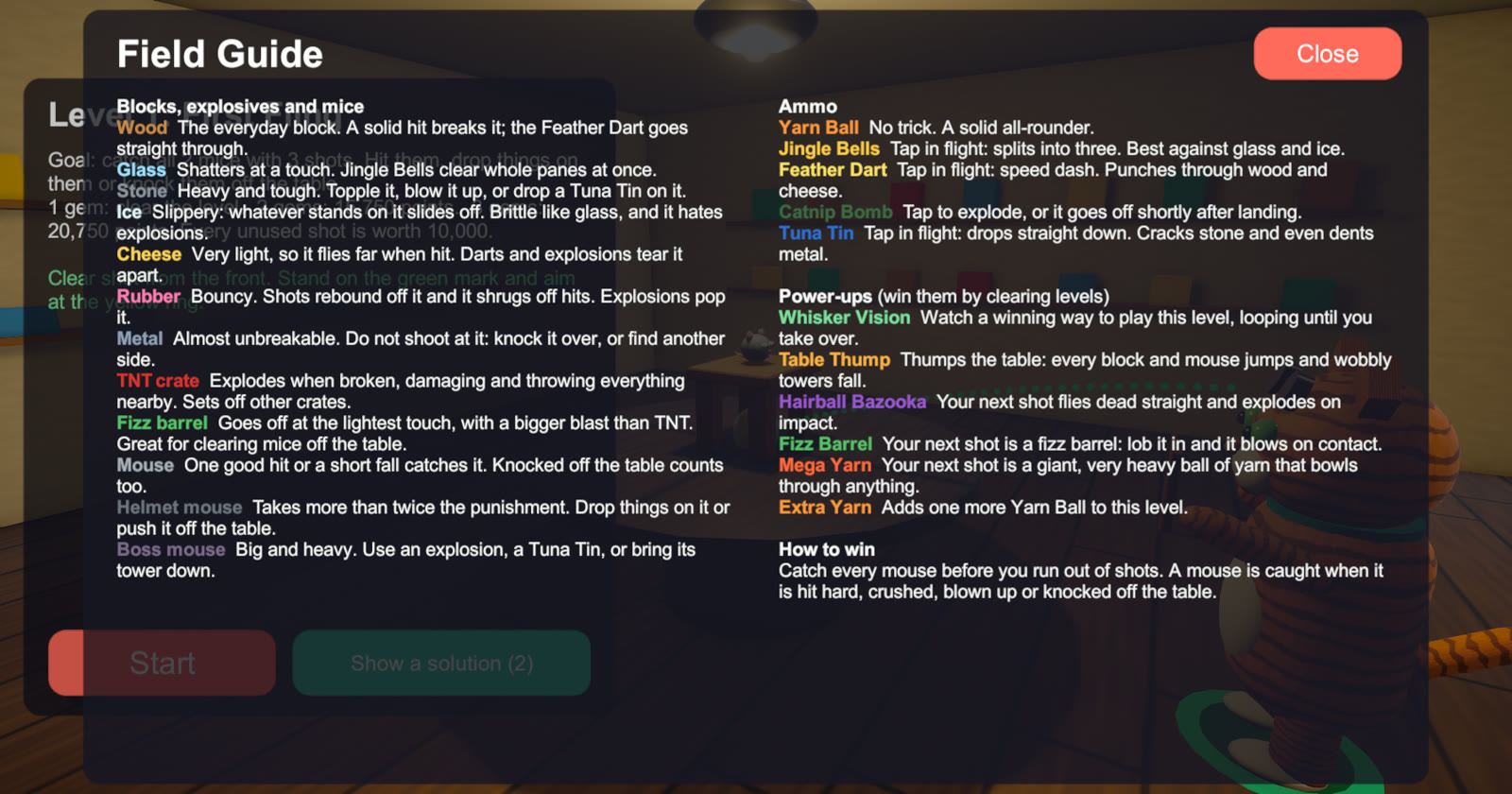
- Five kinds of ammo, each with its own trick in flight: Yarn Ball, Jingle Bells, Feather Dart, Catnip Bomb and Tuna Tin
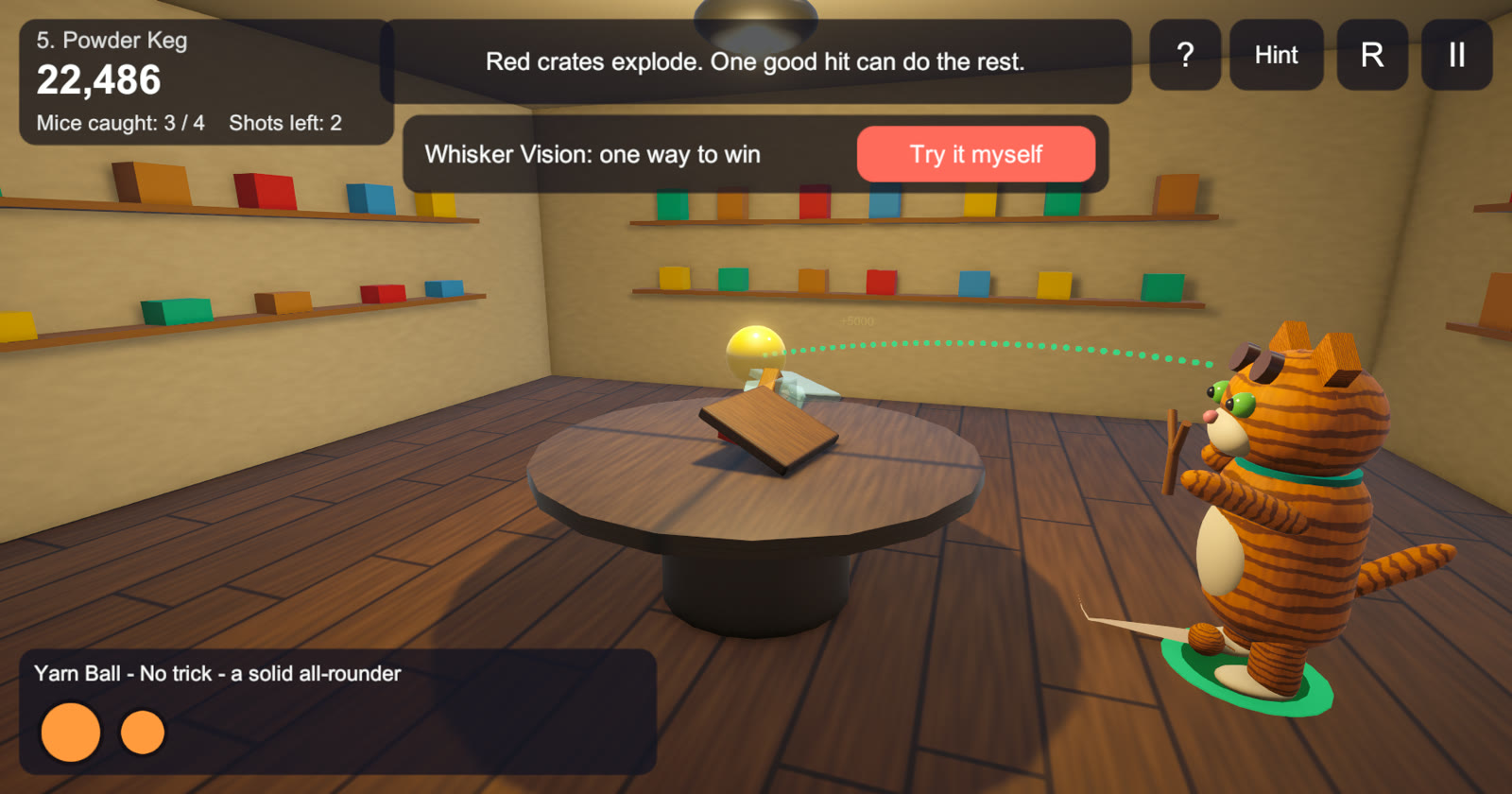
- Seven block materials (wood, glass, stone, slippery ice, light cheese, bouncy rubber and near-unbreakable metal), plus TNT crates and fizz barrels
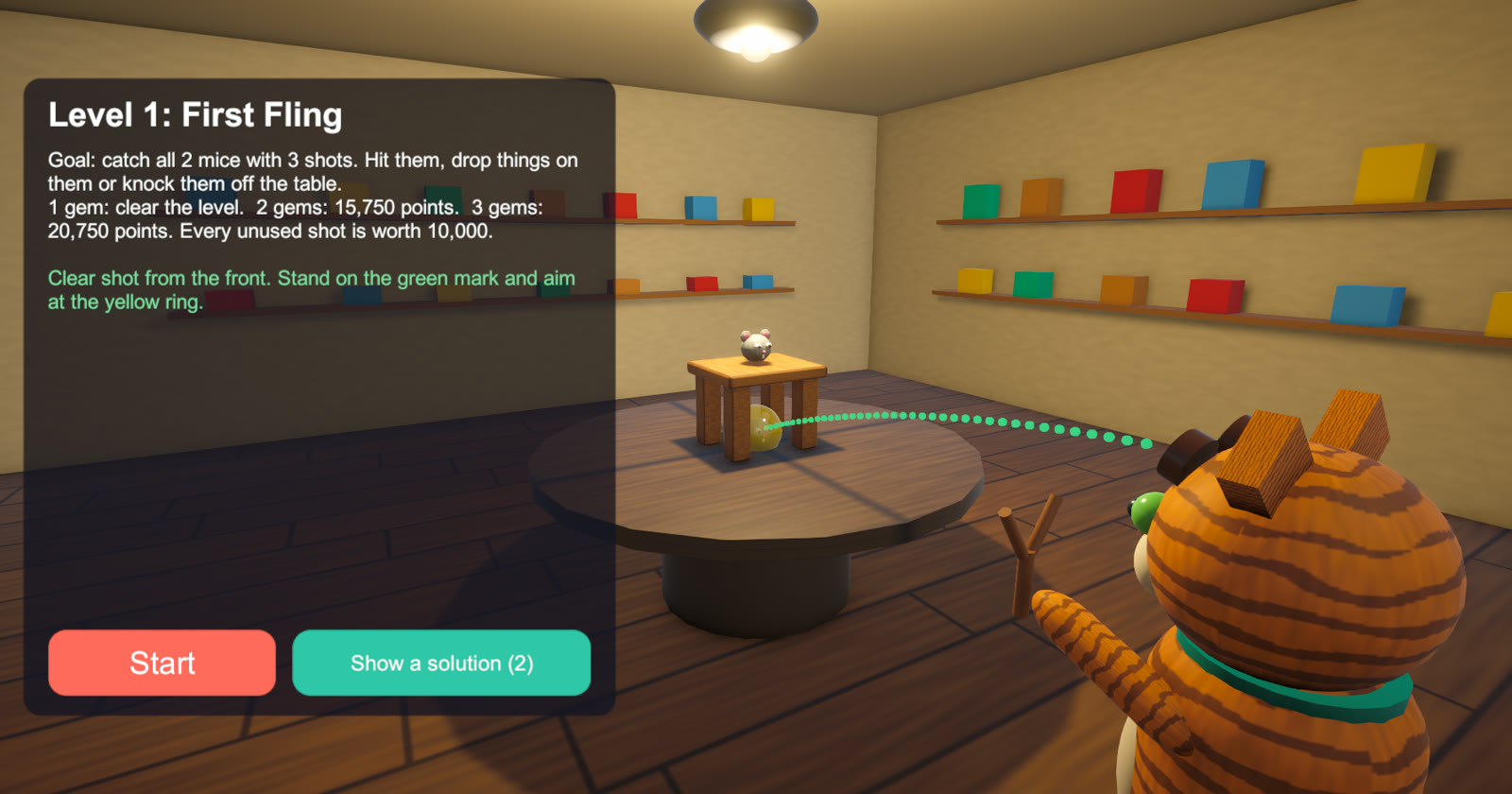
- Every level opens with a briefing that states the goal and explains anything new, and the first levels show a recommended shot
- Power-ups won by clearing levels, such as Table Thump, Hairball Bazooka and Mega Yarn; Whisker Vision replays a winning way to play
New in version 2.0: the mice move, watch you and squeak; every room has its own music, which picks up on the last shot; the rooms are redecorated every five levels, with windows, rugs and cats watching from the corners; and the headset version adds relaxed thumbstick controls next to pulling the sling by hand. The browser version is playable now. Test builds for devices (version 2.0, beta): Meta Quest 3 and 3S, VR and mixed reality (41 MB) · Android phone or tablet (38 MB). These are unsigned test builds that have not yet been tried on a device; the installation steps are on each download page. The iPhone and iPad version is built and waiting to be signed.
How to play: Drag with the left mouse button (or a finger) and release to shoot; the dotted line shows the flight and the ring shows where the shot lands. Press W A S D to walk around the table, and hold the right mouse button and drag (or use Q and E) to look. Click or press Space while a shot is in the air for the ammo’s trick. Catch every mouse before you run out of shots. The Hint button shows the best spot to shoot from, and ? opens the Field Guide.
How it is used
- One design written for three kinds of device: browser, phone and Meta Quest 3 (mixed reality, with the structure on a real table or floor)
- Every level is checked by an automatic player that records a winning line of play
- Rooms, characters, textures, sound and music are generated in code, with no art or audio assets
- Built in conversation with an AI coding assistant, as a case for studying AI-assisted game development
Play the demo
Each session lasts 1 hour. Reload the game to play again.Opens in a new window. Best on a desktop or laptop, with sound on.
Video
Screenshots
Use this game in your class, museum or research
Schools, museums and researchers can request the full version or propose a collaboration with IGR.